App Guide
How to download & install the TransGood Android APK
TransGood ships exclusively as a native Android APK. Download TransGood-v1.0.4.apk
directly for 3D maps, multi-modal routes, 400+ live CCTV streams, and background boarding alarms.
TransGood is built exclusively as a native Android app delivered via official
.apk package. Running directly on Android keeps the interactive 3D map engine, animated metro
splash experience, Momo mascot views, and foreground station boarding alarms running reliably even when your
screen is locked.
The signed official package TransGood-v1.0.4.apk is 23.29 MB for Android 8.0
and newer, bundling Jabodetabek–Whoosh offline vector map tiles, rail geometry, and commuter schedules ready
immediately upon launch.
In short
- Android APK only—built for Android phones via
TransGood-v1.0.4.apk. - Compact 2.99 MB APK (
versionCode 5,v1.0.4) covering 7 networks and 400+ live road CCTVs. - Native
BoardingAlarmServicewakes your phone at your stop even while locked. - Built-in updater lets you check for newer releases directly from Momo's top-right badge.
Install TransGood APK on Android
- Tap Download TransGood-v1.0.4.apk above on your Android phone, or scan the QR code if you are reading this guide on desktop.
- Download
TransGood-v1.0.4.apk(2.99 MB) and wait for completion. - Tap the finished download notification or open it from Android Files. If prompted for permission to install apps outside Play Store, choose Settings → Allow from this source, then tap Install.
- Launch TransGood (the dark T transit icon) from your app drawer and grant notification access so station boarding alarms ring reliably.
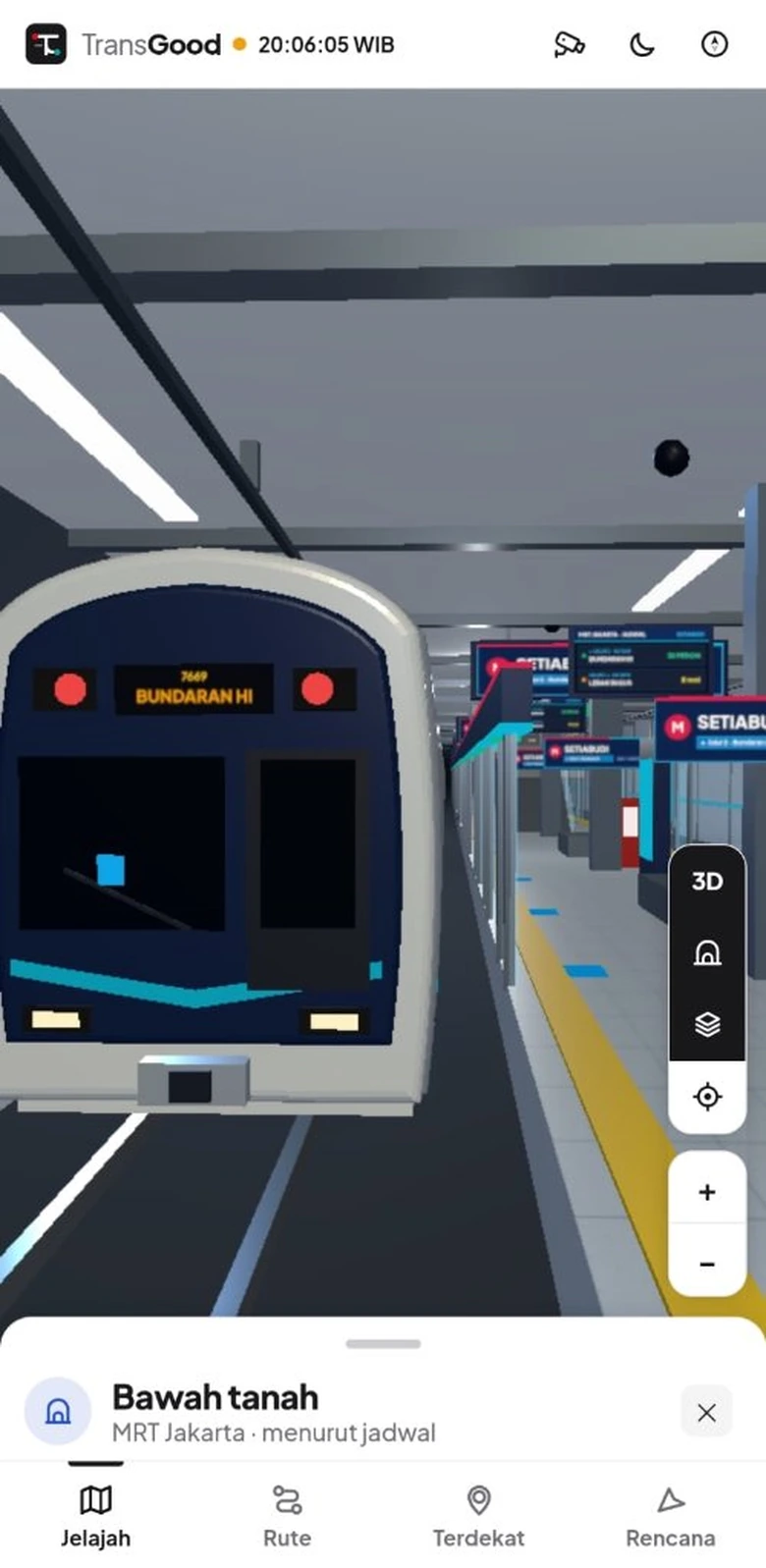
Release package details
The APK is signed with TransGood's official release keystore so future updates install smoothly in place without clearing your saved stops or stations.
| Release field | TransGood APK value |
|---|---|
| App name & ID | TransGood (com.alfarisiazmir.transgood) |
| Package filename | TransGood-v1.0.4.apk |
| Version | 1.0.4 (versionCode 5) |
| APK size | 2.99 MB (3,130,535 bytes) |
| Supported Android | Android 8.0 Oreo (minSdk 26) up to Android 16 (targetSdk 36) |
| SHA-256 checksum | bb757b9f507728433398b3757657fe440d20593c948386737b63b4939137130b |
| Key permissions | Internet (live feeds), Optional GPS location, Notifications & vibrate, Foreground service |
| Integrated networks | KRL Commuter, MRT Jakarta, LRT Jabodebek, TransJakarta, JakLingko Mikrotrans, KAI Intercity, KCIC Whoosh |
Why a direct Android APK release?
Packaging TransGood as a native Android APK pairs interactive 3D route rendering with dedicated Android
foreground services (BoardingAlarmService and AppUpdater) so station arrival alerts
never get paused when your phone is in your pocket.
In-app update check
Inside the app, tap Momo's blinking head badge in the top-right corner to view version info and check for the latest release anytime without losing favorites.
Frequently asked questions
Is TransGood available on Play Store or non-Android phones?
Not yet. TransGood is distributed directly as TransGood-v1.0.4.apk for devices running
Android 8.0 or newer.
What if Google Play Protect shows a sideload prompt?
Standard Play Protect dialogs appear for apps installed directly outside Google Play. Tap More
details → Install anyway, and compare the published SHA-256 hash above against
your downloaded APK.
Are there ads or subscriptions inside the APK?
Never. TransGood is 100% free with zero banner ads and zero commercial tracking SDKs.
Do station alarms ring when my phone screen is locked?
Yes. As long as Android notifications are enabled, BoardingAlarmService runs in a
foreground service directly on Android.